
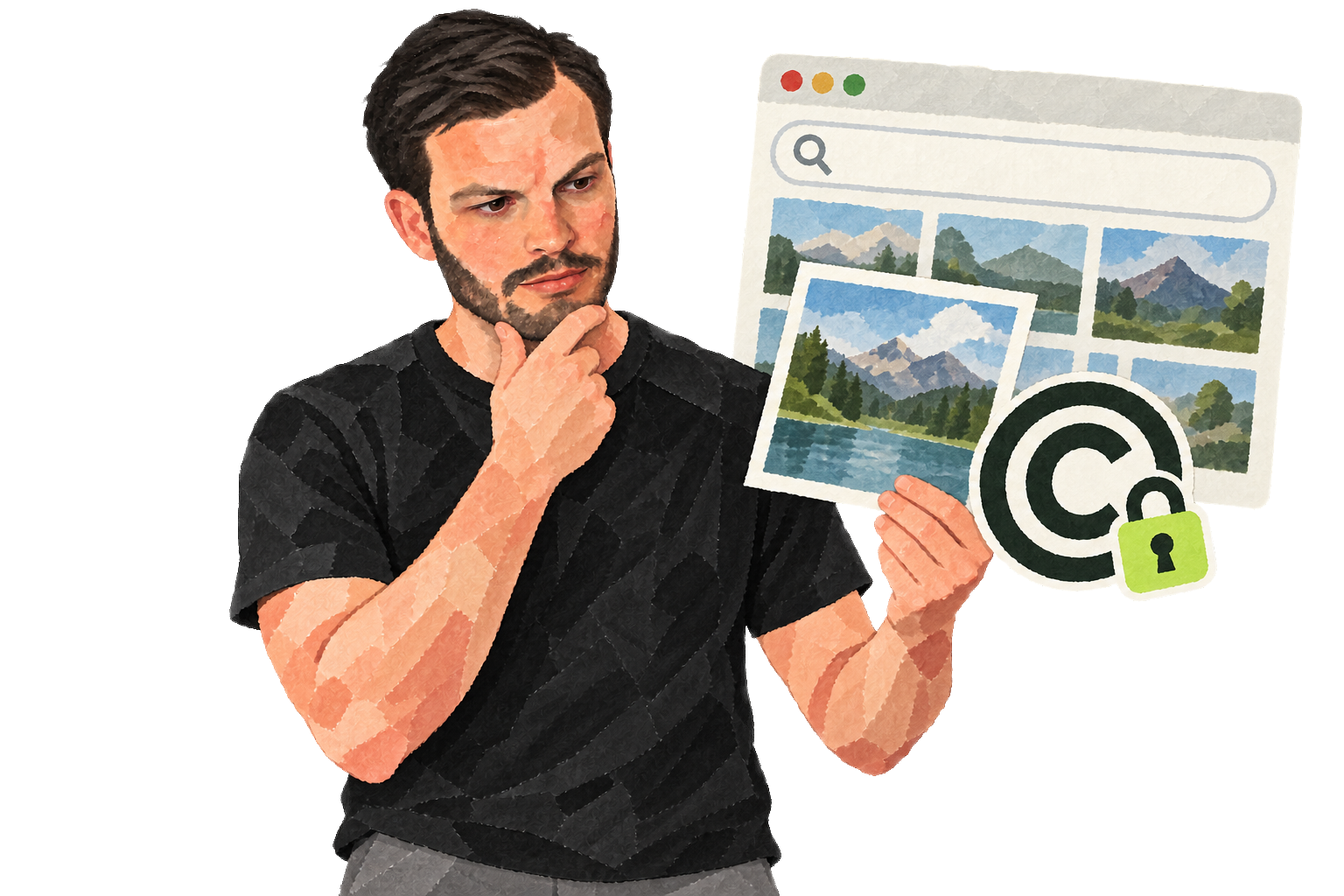
If you have been blogging for a while, you may have looked for pictures to make a post more engaging. It is tempting to find one on Google Images, save it, and publish it. That can be an expensive mistake.
Google Images
Google Images indexes pictures from websites across the web. Its search results help you find an image; they do not tell you that you have permission to use it. Saving one and adding it to your website is easy, but the image may still be protected by copyright. Check the rights before publishing it.
Getty Images
Getty Images is one of the largest stock-photo platforms. It licenses images and also enforces the rights it manages. You may have opinions about its approach, but the basic point remains: an image being easy to find does not make it free to use.
Google indexes text as well as images. Neither becomes yours to republish simply because it appeared in search results.
An example
Suppose you write about exports and find this image through Google Images. I am not reproducing it here because I have not licensed it. It looks like a typical stock photo. A reverse image search shows it on almost 300 websites. Some sites may have paid for a license; others may not. Either way, their use does not give you permission to copy it.


Deleting images
If you have published an image without the necessary rights, remove it from your site and server. At the time, I also used Google Webmaster Toolsto request removal of old search results. It can take extra work to clear an image from cached pages.
Buying images
One option is to license the images you need. Stock-photo platforms have different collections and prices, including:
- iStockphoto (affiliate link);
- Getty Images (affiliate link);
- Shutterstock (affiliate link);
- Fotolia (affiliate link).
Using Flickr
Another option is to search Flickr for a topic such as “export.” You may find images with licenses that allow your intended use, sometimes including commercial use or modification.
Read the license for each image carefully. Give credit when the license requires it, and remember that a credit alone does not replace permission.
Solution for WordPress
When I wrote this, WordPress users could try a nice plugin that helped find Flickr images and add attribution. I found it easy to use, although I still needed to check each image’s rights.
The images loaded from Flickr’s servers rather than mine. That saved storage, but it also meant less control over how my site appeared in Google Images.
What has worked for you?
How do you find images you can use in your own posts? I would be interested to hear other approaches. The main thing I want readers to remember is that finding an image online is not the same as having the right to publish it.