
In September 2010, I wrote about a familiar problem: calling on a designer for every flyer, advert or brochure takes time and money. Marvia offered a way to place local text and imagery inside an established brand design. The appealing idea was not that everyone became a designer. It was that recurring materials could be produced more easily.
Freedom within boundaries
A useful template fixes elements such as a logo, colours and typefaces. A local team can then change what needs to vary: location, date, offer or image. Marvia still describes this approach for print and digital materials. The old post’s claims about a free trial, paid features and guaranteed print quality should not be read as current terms.
Before sharing a template, someone must decide which parts are fixed and which may change. That can save rounds of corrections, but it still demands care. An expired price, wrong phone number or low resolution image can make it into the final piece despite a polished template.
Check the final file
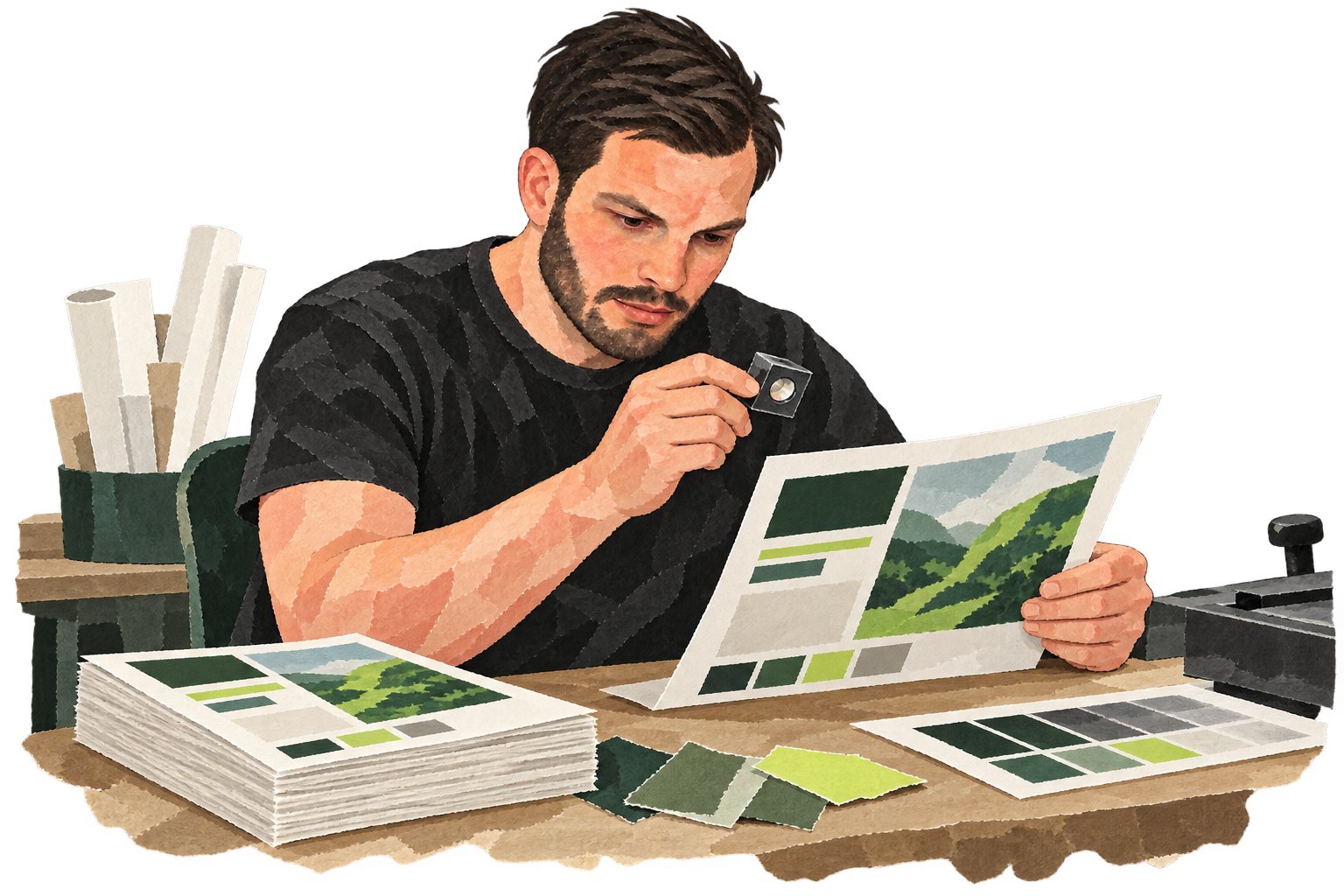
Print ready means more than matching the brand. Ask the printer about size, bleed and file specifications. Review the final proof, especially after changing text. A template makes it easier to share the work; it does not replace that final check.
Marvia remains active, while its product and plans have changed since 2010. The lasting lesson is that a brand scales better when many people can create local materials within clear boundaries.