
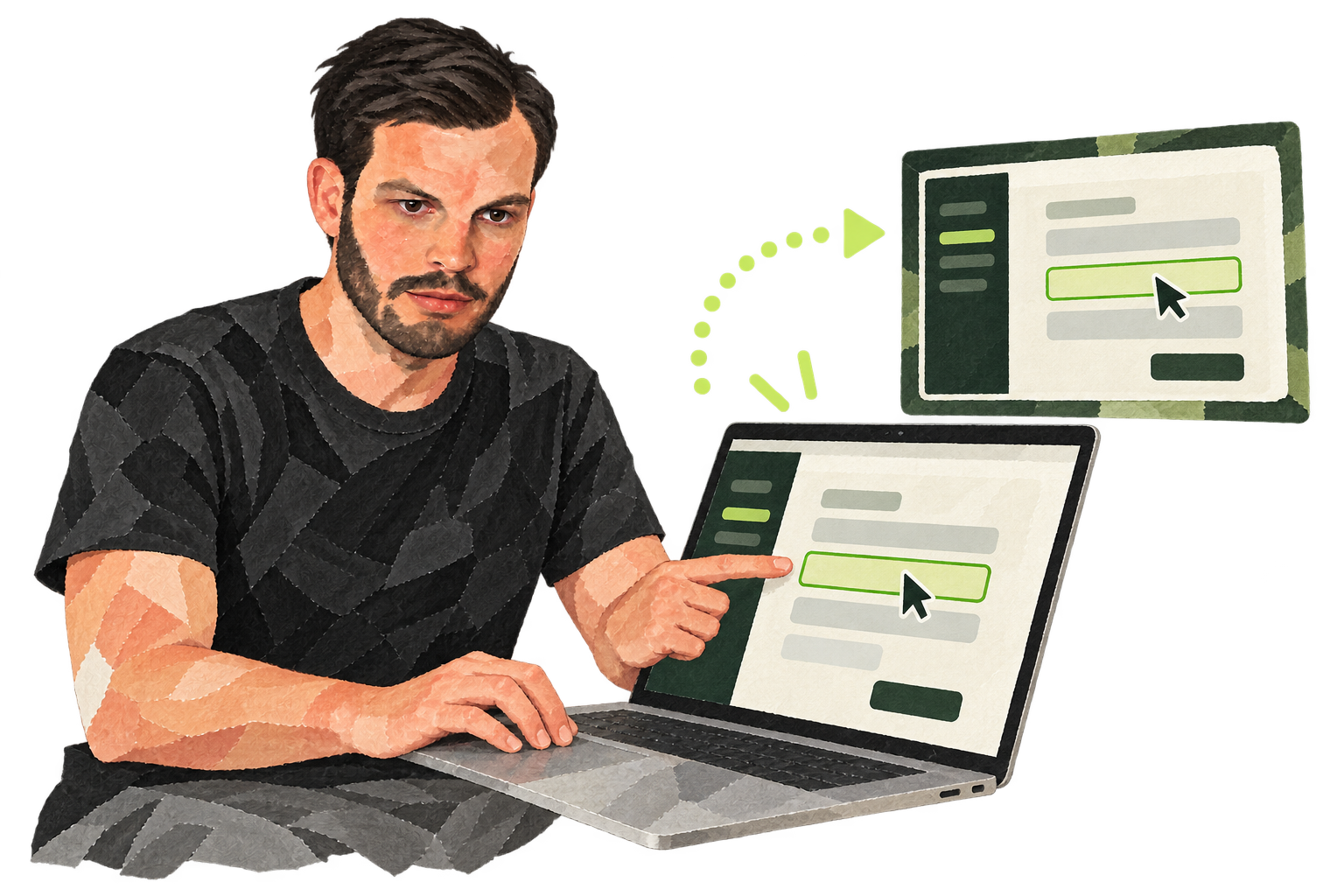
In 2011 I described Join.me as a quick way to let a customer, colleague or friend look at your screen. You started a session, received a link and sent it to them. The attraction was that the other person did not first have to complete a complicated registration. My original description also mentioned temporarily handing over control.
You should not assume today that the old promise of free, unlimited use without an account still applies. GoTo presents Join.me as part of its product family and directs new visitors to GoTo Meeting. Existing Join.me meetings can still be joined through a separate GoTo page, but the old workflow is not a reliable set of instructions for starting a session. Check the current options before sending a customer a link.
Show what words alone cannot explain
Screen sharing is especially useful for a visual task: reviewing a form, discussing a design or showing where someone gets stuck in an app. Agree first on what the other person should be able to do. Watching is different from controlling your mouse or keyboard. Hand over control only if it is needed and take it back once that step is complete.
Prepare your screen. Close personal tabs and notifications, hide confidential documents and open the page you plan to discuss. If customer information may appear, choose an appropriately protected method. A short connection check can prevent the meeting from becoming a struggle with sound or access.
Keep the session focused
A shared screen does not automatically make a conversation clear. Explain what you will show, move step by step and check that the other person can follow. Afterwards, send a short summary or a link to the relevant instructions. My old Join.me tip was about lowering barriers. The lasting lesson is that a visual explanation works when access, privacy and the purpose of the session are clear.